See the application
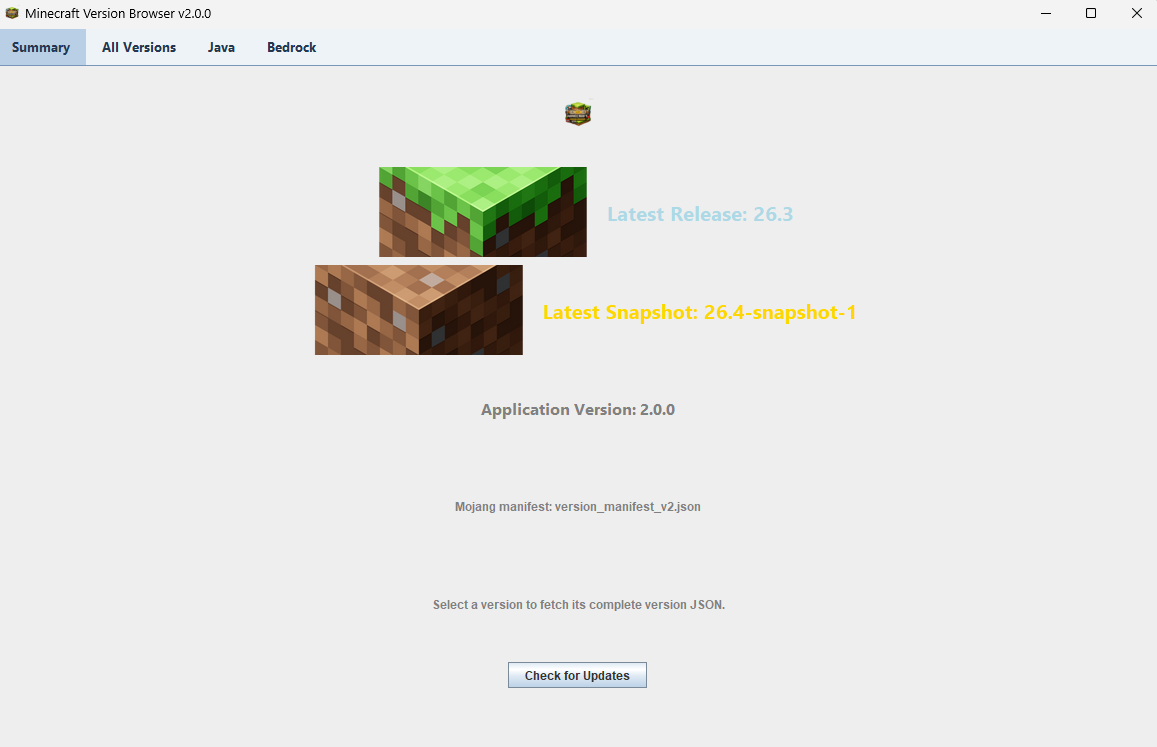
Application version 2.0.2. Browse version lists, view release information, and check for application updates.
Latest release
Minecraft Version Browser 2.0.2
Get the Windows installer or runnable JAR from the releases page.
View releasesHow to use it
- Download the EXE or JAR from the releases page. Use the JAR on macOS, Linux, or another supported system with Java 25 or newer.
- Open All Versions to browse available versions.
- Choose Java or Bedrock to narrow the list.
- Select a version to view its complete version details.
- Use Check for Updates to check for a newer application release.